
Windows app
Shared Folder Permission Viewer
A Windows NTFS permission auditing utility for scanning shared folders and reviewing explicit, inherited, orphaned, and risky access entries.
About this app
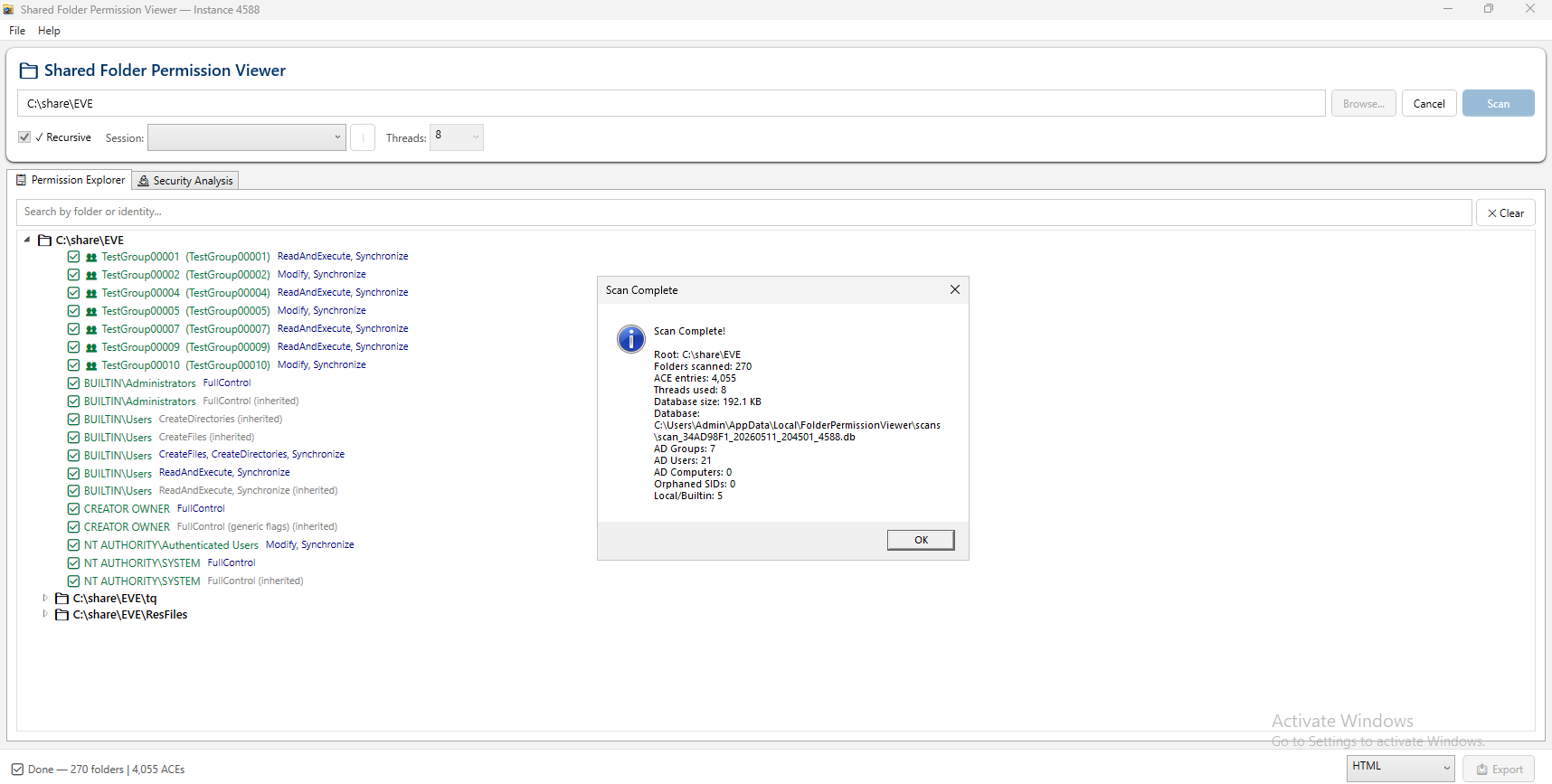
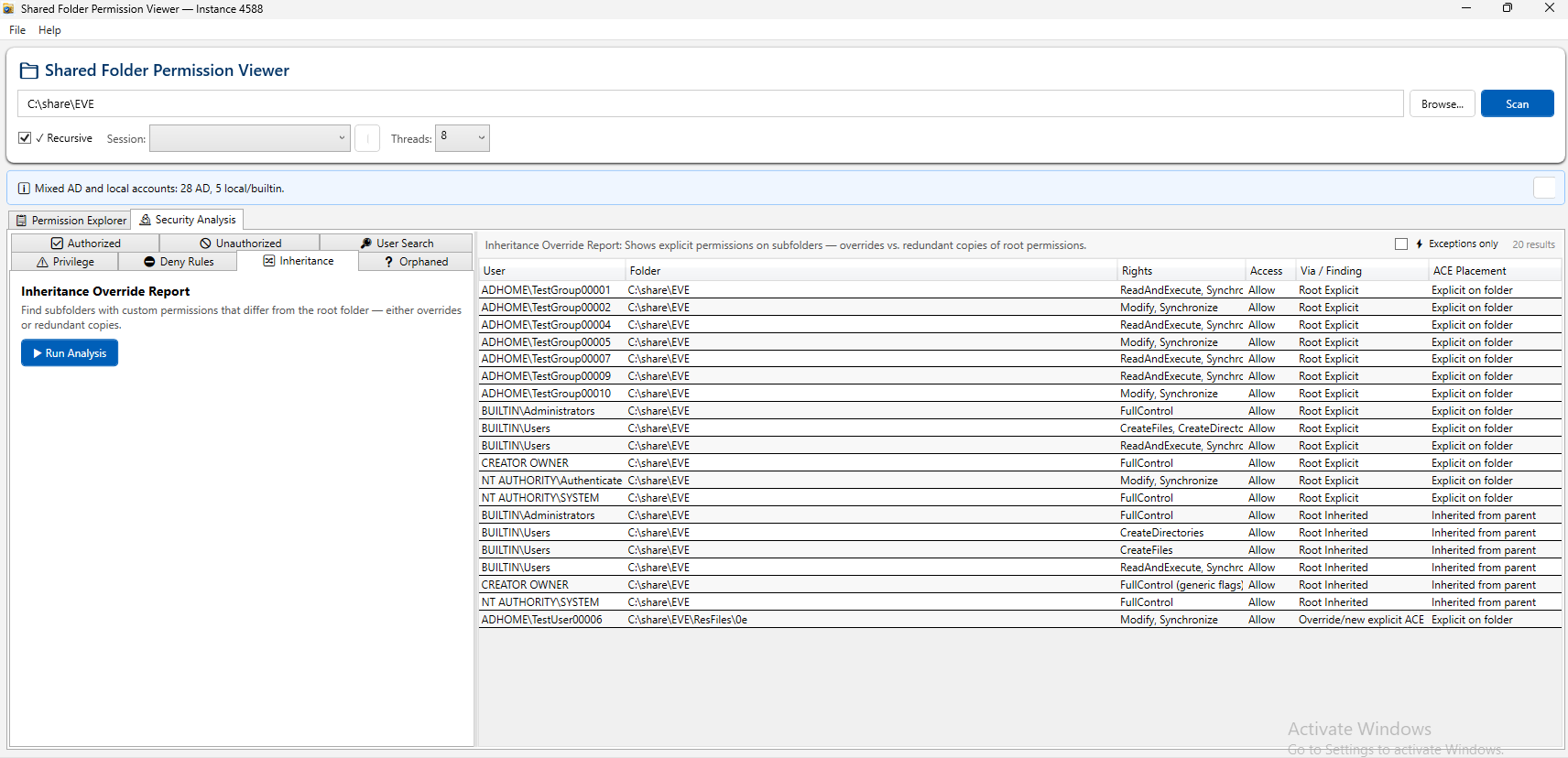
Shared Folder Permission Viewer helps Windows administrators inspect NTFS permissions across shared folders, nested directory trees, local accounts, Active Directory users and groups, and orphaned SIDs. It combines a searchable permission explorer with focused security analysis views for inheritance overrides, deny rules, elevated privileges, unauthorized entries, and account lookups.
Release status
This Windows build is distributed through the official VTech App GitHub Release asset, with a SHA-256 checksum published for verification.
Capabilities
Built for NTFS permission visibility
Focused views make permission scans easier to search, analyze, export, and revisit.
Preview
Workflow preview
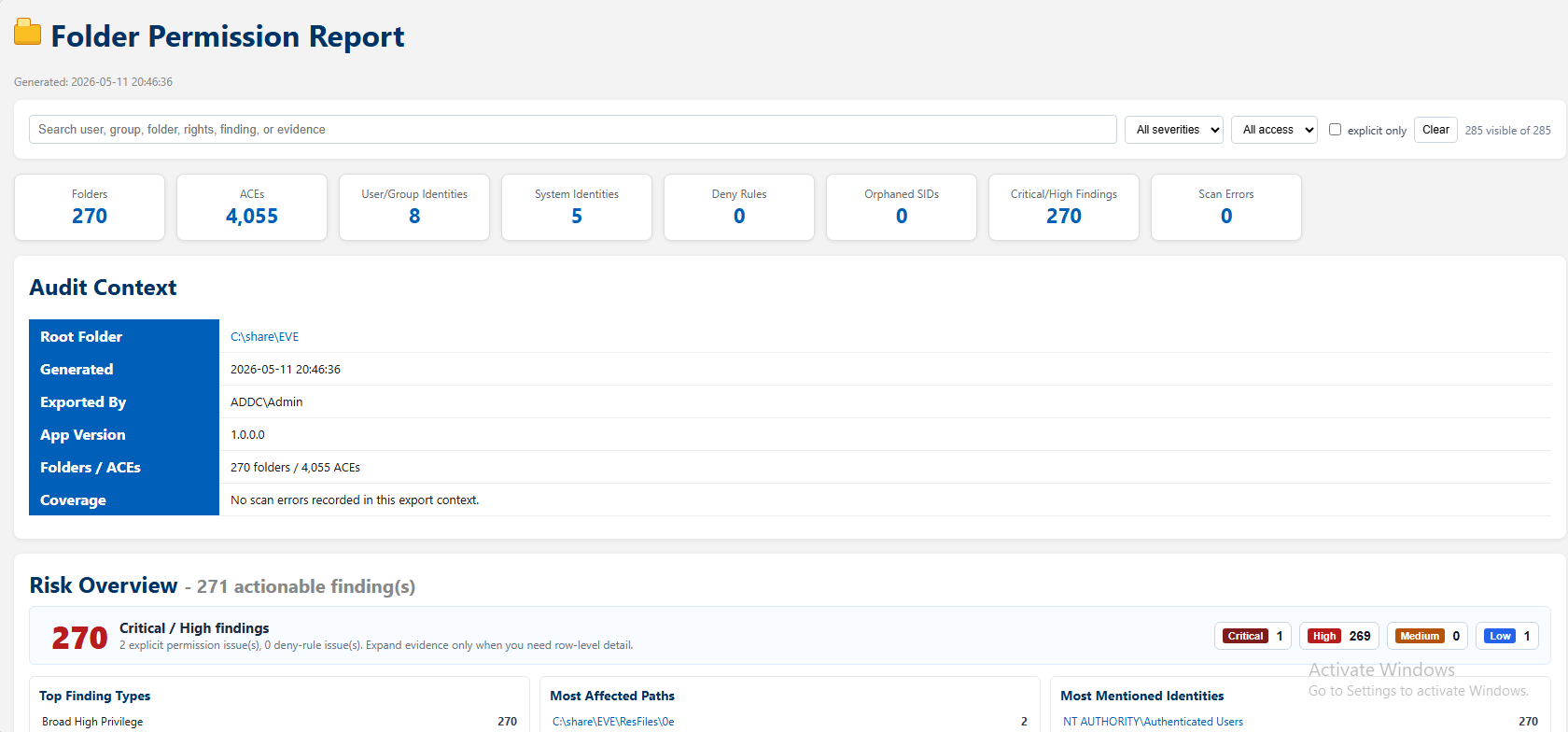
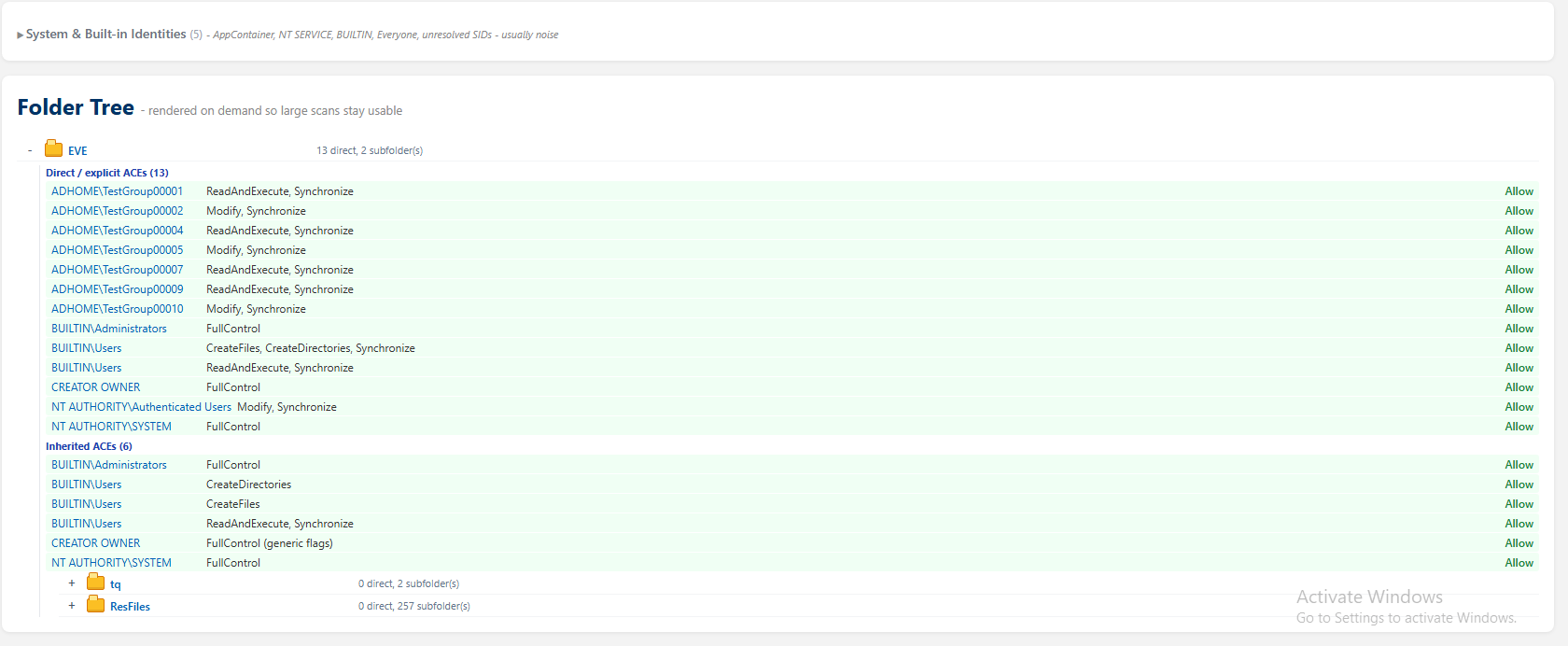
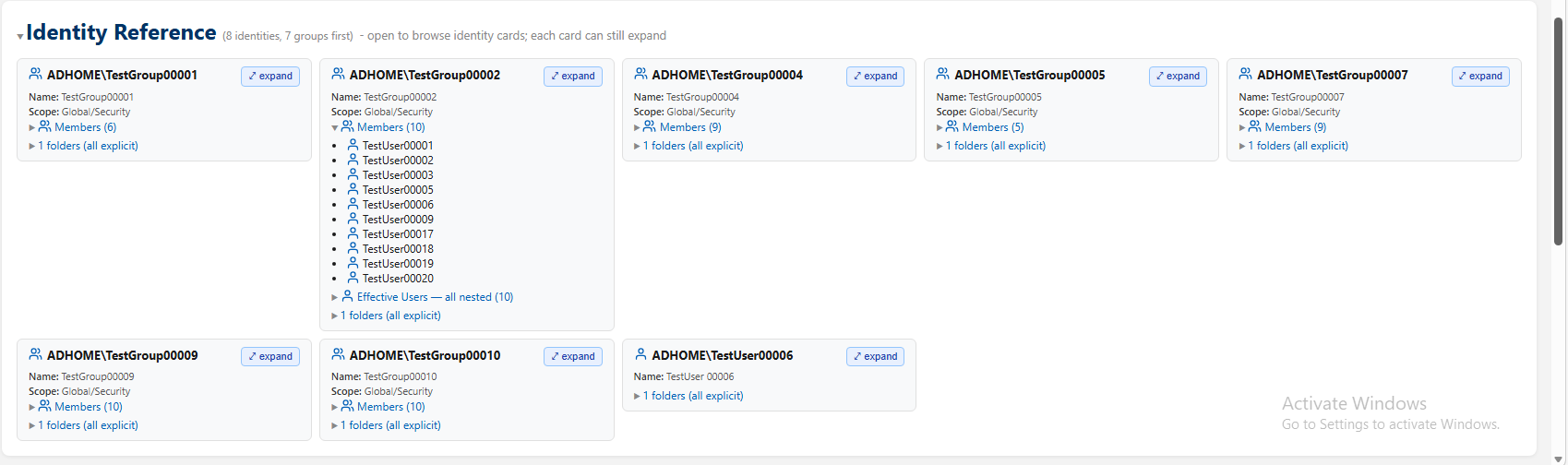
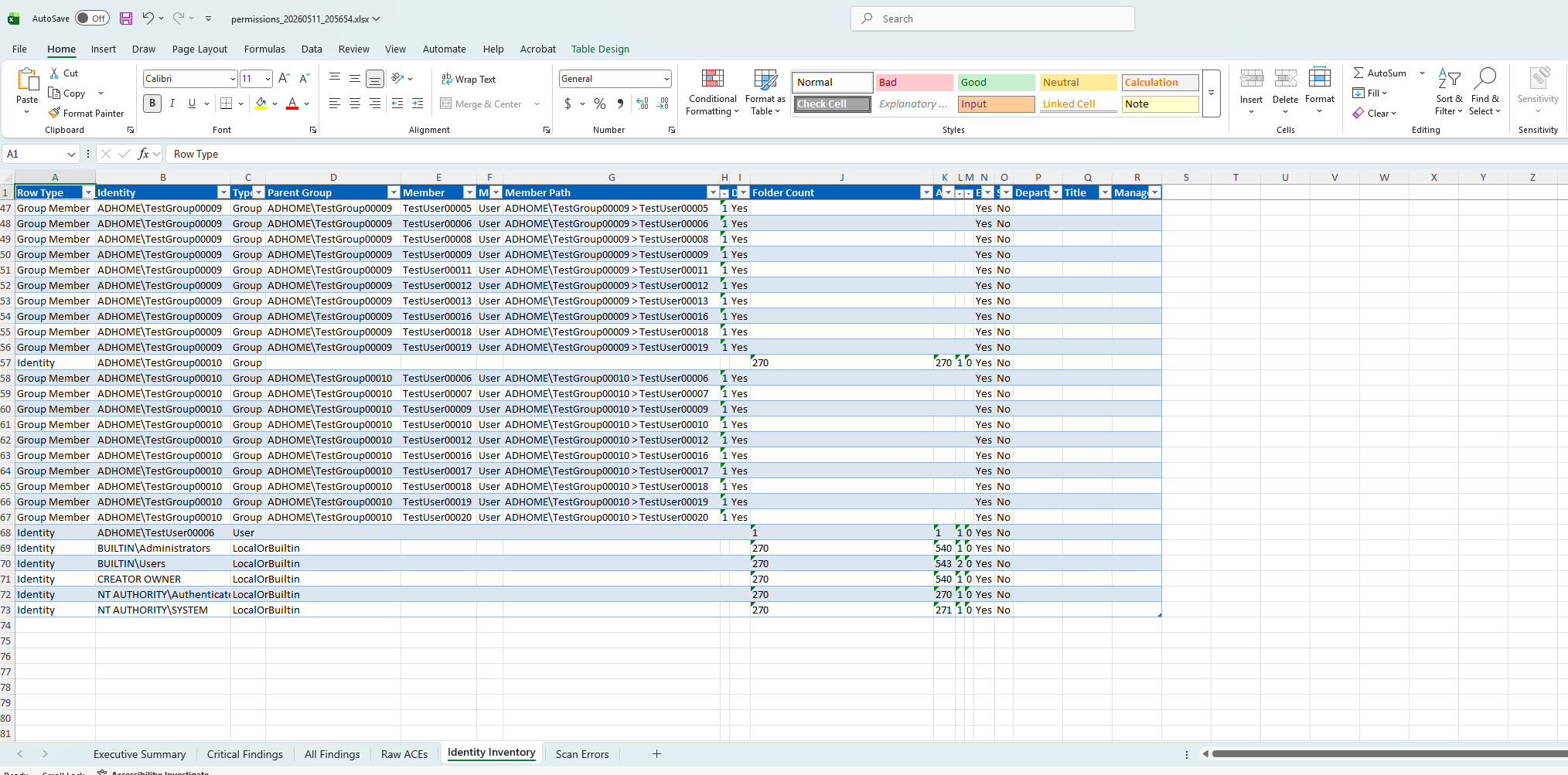
Screenshots show the current app workflow and interface.
Changelog
- Initial public Windows release is available as a GitHub Release download.
- Includes recursive NTFS permission scanning, local and Active Directory account classification, searchable permission exploration, security analysis reports, and HTML/Excel export screenshots.
Download details
Official release file: